
Halloween Pomodoro Timer
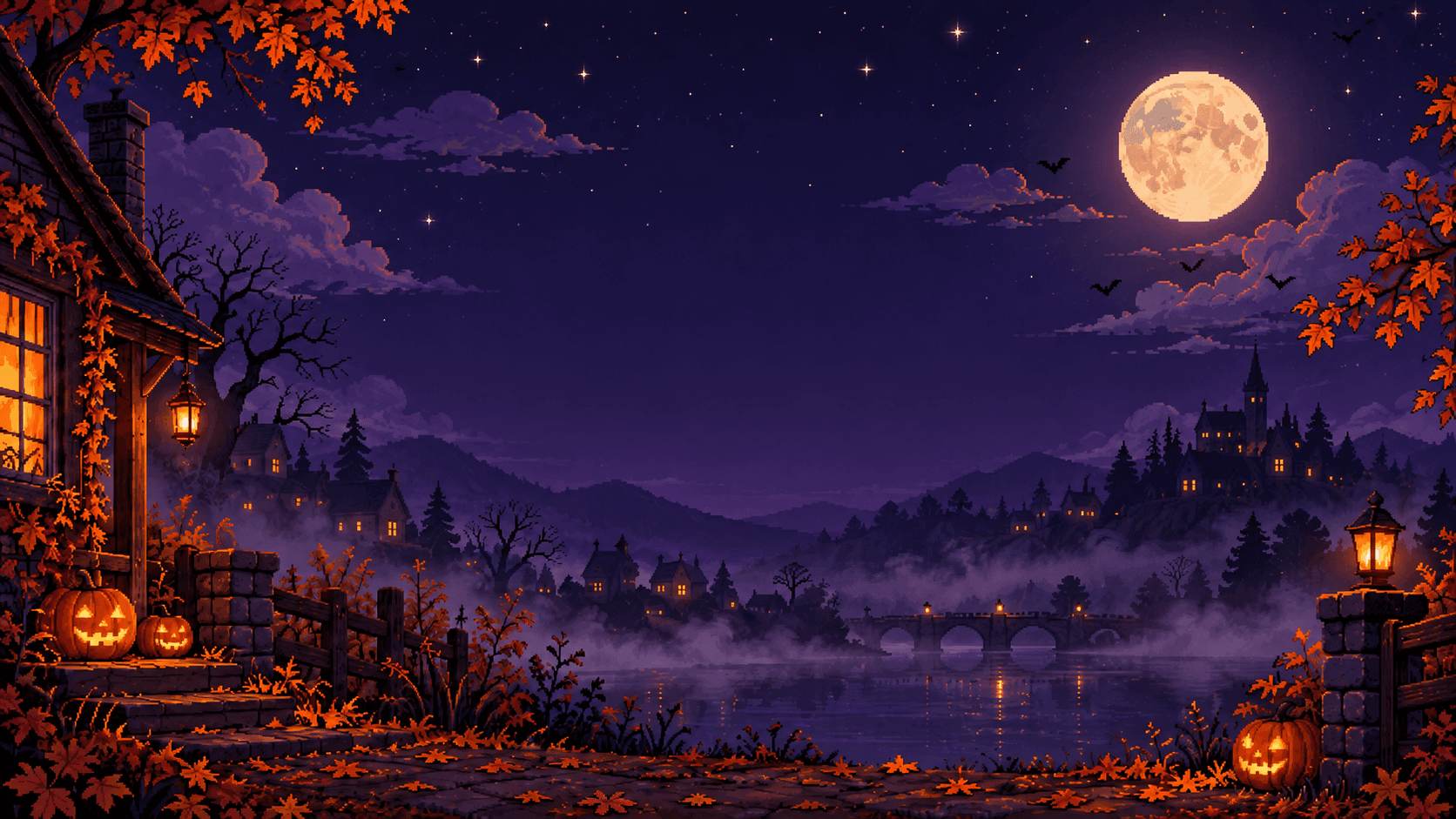
October is the month the to-do list and the pumpkin patch collide. Midterms, essays and the costume you still haven't planned all want the same evenings. This timer gives the work a little atmosphere: a cottage porch with its lantern lit, a misty lake under a full moon, a castle glowing on the hill, and a row of pumpkins that light up into jack-o'-lanterns as you finish sessions.
What's in the Halloween scene
The scene is a pixel-art autumn night. Maple leaves turn orange over a cottage porch, jack-o'-lanterns grin from the steps and a lantern glows by the gate. Below, fog drifts across a lake under a stone bridge lit with lamps, and on the far hill a village and a castle keep their windows lit under a full moon, a few clouds and a handful of bats.
It is spooky in the cozy sense. Nothing jumps out, nothing is gory, and nothing moves, so it sits behind a 25 minute block without pulling your eyes off the page.
The session counter changes too. The four tomatoes that track a pomodoro cycle become four pumpkins on this page, and each one lights up into a jack-o'-lantern when you finish a session. A full cycle is, quite literally, a pumpkin patch.
An October study plan in pumpkins
For a lot of students October is midterm season, and the pomodoro cycle maps neatly onto it.
- One pumpkin, one topic. Give each 25 minute session a single chapter, problem set or essay section, and write it down before you press start.
- Four pumpkins, then a long break. After the fourth session, take the full 15 minutes. It is what makes the fifth pumpkin worth anything.
- Two patches a night in exam week. Eight sessions is a little over four hours with breaks, which is about as much real revision as most people manage after classes.
- Dreaded subject first. Put the class you are avoiding in the first patch, before the evening wears you down.
Five-minute Halloween breaks
A pomodoro break works best when it gets you away from the screen, and October has better options than scrolling.
- Carve your pumpkin one feature per break: eyes after the first session, nose after the second, the grin after the third.
- Sketch one costume idea, or one piece of the costume you already chose.
- Walk to the end of the street and back. Five minutes of cold air resets attention better than a fifth browser tab.
- Eat one piece of candy, not the bag. The bag is for after the fourth pumpkin.
- Play one spooky song and do nothing else for its length.
Frequently asked questions
Is the Halloween pomodoro timer free?
Yes. The scene and the pumpkin tally are free on this page and need no account. Signing in only matters if you want pomofox to save your settings and count your focus time.
Can I use the Halloween scene on the main timer?
From October 1 to November 7 it appears in Preferences, under Appearance and then static backgrounds, for anyone signed in. If you pick it, it stays your background after Halloween; it just stops being offered to new people until next October. This page keeps it all year.
Does the timer keep running if I switch tabs?
Yes. It keeps accurate time in a background tab, and the alarm still sounds when the session ends, so you can work in another window and still hear when the session ends.
Is it too spooky for kids?
No. It is a quiet autumn night with lanterns and pumpkins: no monsters, no jump scares, no gore and no sudden sounds. It works on a classroom screen for a timed activity or a Halloween party game.
Related timers
- pomodoro timer with your own scene, characters and sounds, all year.
- 25 minute timer for a single focus block without the cycle.
- 5 minute timer for the break between pumpkins.
- countdown timer for any other length, like a timed costume contest.